
Co-developing instead of just using: How customers are helping to shape the future of Calenso
The Calenso team is constantly developing our appointment management software - based on customer...

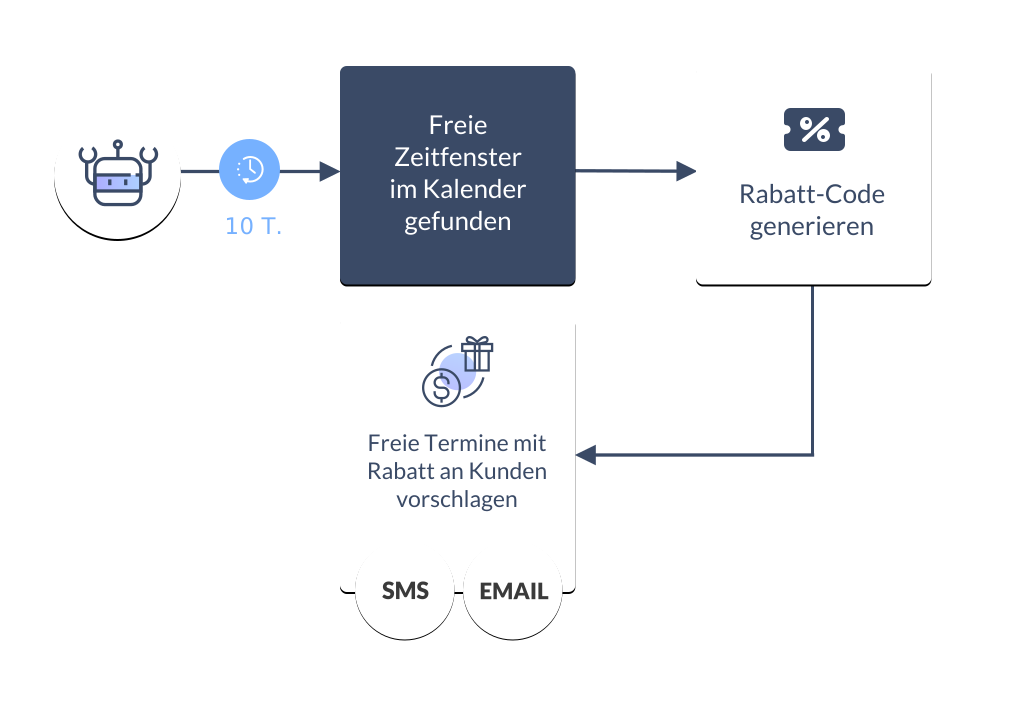
If the interested party clicks on the proactive message (see above), they can select the desired free availability window and the desired branch in a further step. Only short-term availabilities are listed here, as you certainly want the next availabilities to be filled quickly to prevent appointment gaps.
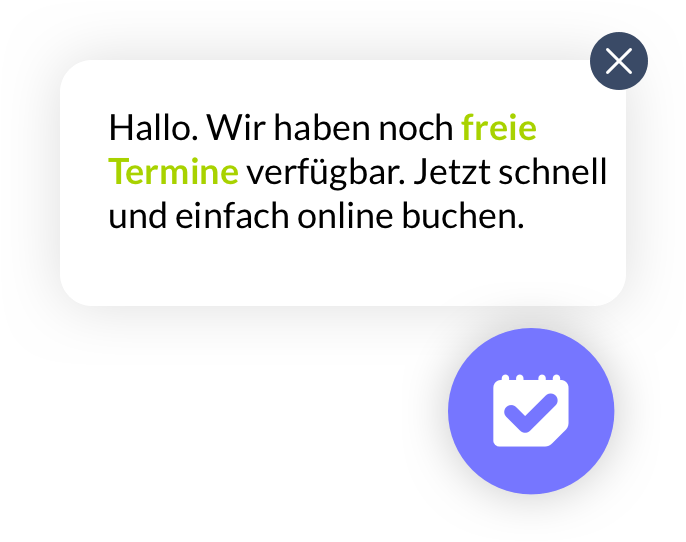
As soon as an interested party is on your website, a Smart Widget message appears at the bottom right. This proactively informs the interested party that there is still availability to book.
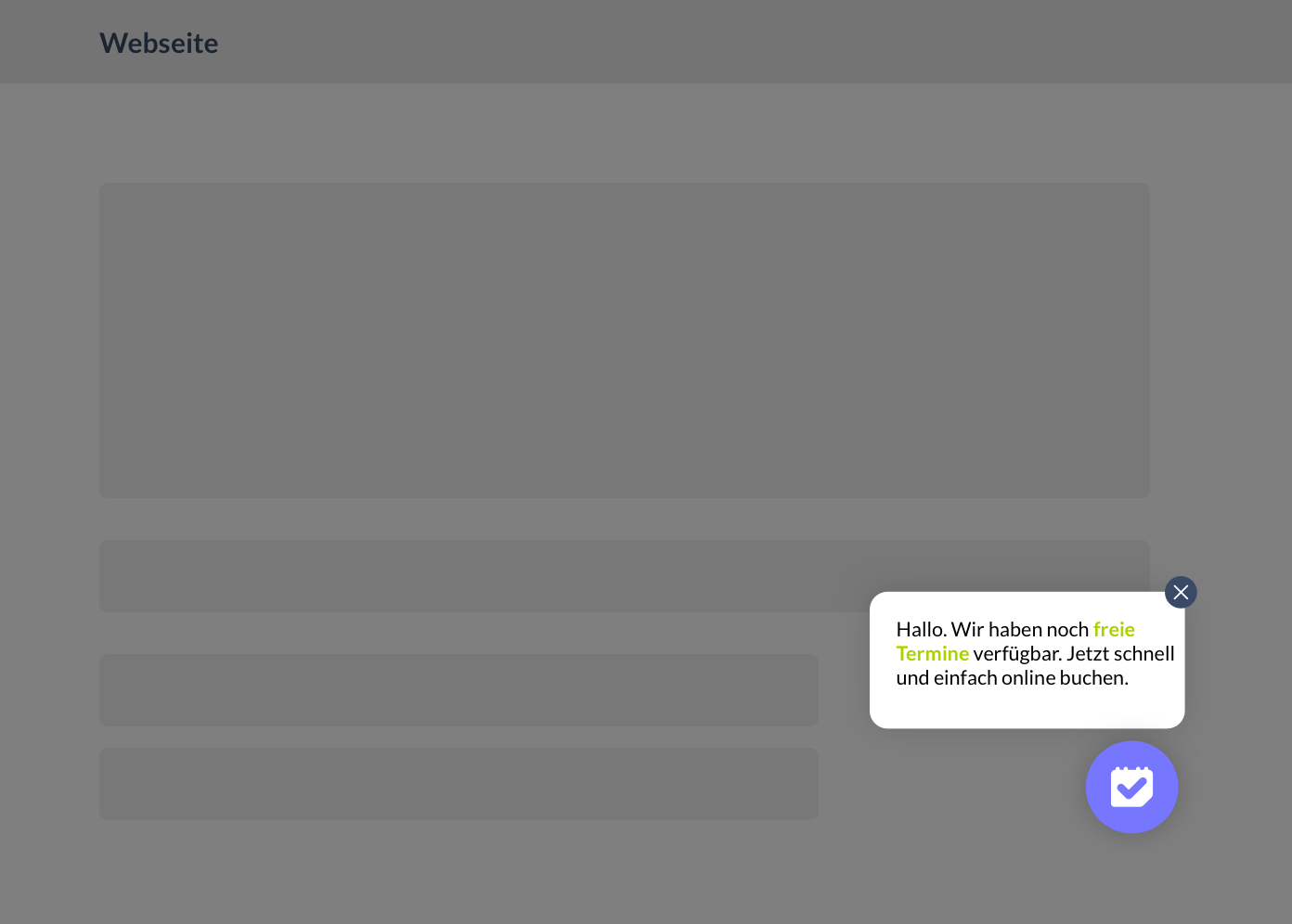
The smart widget can be integrated into your own website using a simple script. If the widget should only be visible on specific pages, you can define this in the Smart Widget settings.
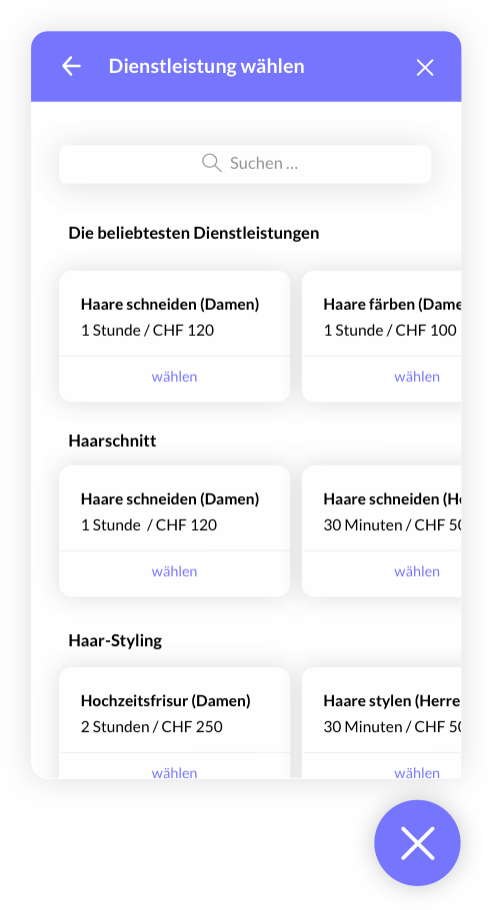
Once the interested party has selected a free appointment on your site, they can now select the desired service. The search function helps the interested party to find the service quickly.
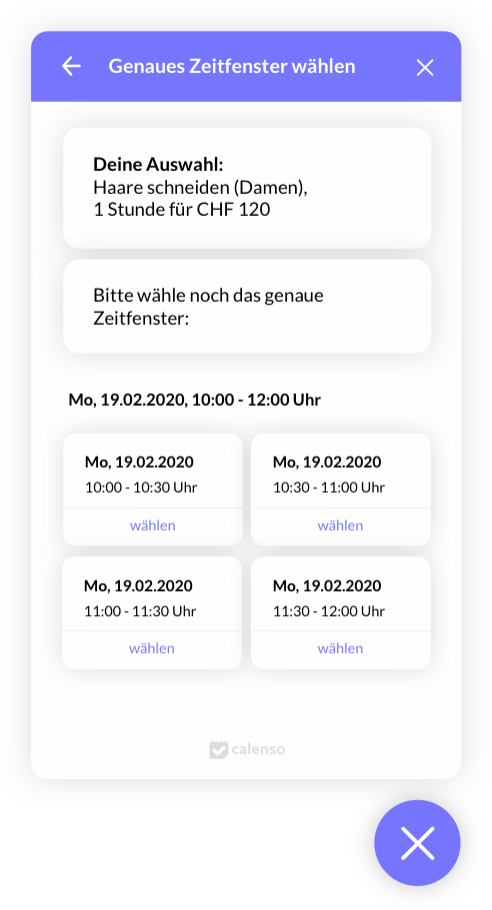
Next, the exact availabilities will be suggested based on the preferences selected above. You can now select the exact time and continue with the quick booking.
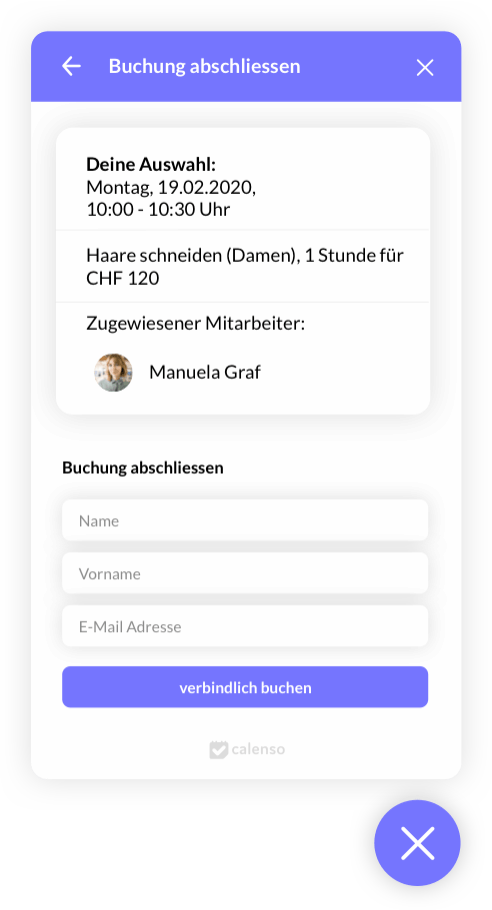
Finally, the smart widget displays a booking summary. If this is OK, you can complete the appointment booking by filling in the open questions and then clicking on "Book bindingly".
Yes, there are plenty of blogs. That's why we choose only topics for our blogs that may be of interest to you. You will also find the latest updates and practical explanations of the new features.
Co-developing instead of just using: How customers are helping to shape the future of Calenso

GDPR-compliant appointment booking: what companies really need to pay attention to

Why online appointment booking is key for travel agencies today

6 steps to more online bookings

Why customer engagement is indispensable (2024)

Digital innovations for financial service providers

Why will automated scheduling be indispensable by 2030?

Checklist | Why the wrong choice of software is your downfall

Saving time: tips and tricks to maximize your efficiency

5 practical tips for effective calendar management in large organizations

Optimize appointment management | Here's how

Using Calenso as a marketing tool for your business

Increase customer satisfaction with appointment booking - this is how it works

Digital tools as the key to optimizing business processes

How to improve your online scheduling with these 15 features from Calenso

6 tips for better time management

How to overcome obstacles - concerns from the medical industry
5 Risks of online online scheduling and measures taken by Calenso

Valuable tips for the home office and maintaining the offer

Appointment at times of the Corona Virus
[signup_pop]