
Thanks to your feedback, Calenso—the leading online appointment booking software—gets better every month. In April 2026, the focus is on smart widget management with cross-branch staff selection, Microsoft 365 compliance, and self-service configuration. With the new Calenso update, you’ll benefit from even greater flexibility in appointment scheduling, complete transparency for external API access, and noticeably faster loading times.
The update in the video
Update contents at a glance
Here's what's included in the April update
This release introduces several new features that will make your work with Calenso significantly more productive: A completely redesigned Smart Widget management system now allows you to create virtual teams composed of employees from different branches. With the new Microsoft Graph API Activity Logging add-on, you can document all Office 365 and Entra ID activities—ideal for compliance requirements. With Dynamic Combo Services and an integrated travel-time matrix, you can now map complex, schedule-based booking processes such as factory tours for the first time. In addition, there are self-service options for Google Tag Manager, a new code editor for email templates, and over 100 optimizations from the 8.6.x hotfixes.
New functions
1. Microsoft Graph API Activity Logging (Add-on)
With the new Microsoft Graph API Activity Logging Add-on, Calenso logs all Microsoft Graph calls (Office 365 / Entra ID). You receive detailed audit logs for calendar synchronization, worker mapping, and email events—ideal for compliance-related setups where every external API interaction must be fully documented.
2. Dynamic Combo Services with Travel-Time Matrix
For complex booking processes, such as factory tours or multi-part appointments at different locations, Dynamic Combo Services is now available with an integrated travel-time matrix. Calenso automatically factors in travel time between stops, enabling realistic, schedule-compliant combo bookings—without the need for manual buffer time.
3. Google Tag Manager Self-Service Configuration
You can now configure Google Tag Manager directly in the dashboard under " Integrations" —without having to submit a support request. This allows you to incorporate conversion tracking, marketing pixels, and your own analytics setups into your booking flow, exactly as you need them. The GTM code works in both the classic booking widget and the Smart Widget.
4. HTML code editor for email templates
The old text area for editing workflow emails is a thing of the past. Instead, you’ll get a full-featured code editor with syntax highlighting for HTML—typos are immediately visible, and the layout of your confirmation and reminder emails stays clean.
5. Custom smart widget management with cross-store employee selection
Smart Widgets now have a dedicated management page in the Dashboard settings. There, you can view a clear list of all your Smart Widgets, filter by widget type (Appointment Booking, Survey, Lead Generation), search through them, and retrieve the embed code with a single click. The page features a completely redesigned, UI/UX-optimized layout.
A particularly powerful feature: You can assign dedicated staff members to each Smart Widget—even across branches and locations. This allows you to create Smart Widgets that represent a virtual team spanning the entire organization —for example, loosely connected teams of specialists spread across different branches. End customers book directly with the right people without you having to adjust organizational structures.
6. Hide past absences
In the dashboard, you can now show or hide past absences. This keeps the list concise, so you can see at a glance only what is relevant now and in the future.
7. Automatic refund if the waiting list is full
The "Automatic Refund for Expired Waitlist" setting is now available directly in the booking widget settings. When a waitlist spot expires, the amount paid is automatically refunded—without any manual effort.
8. Entra ID Sync (Add-on)
With the new Entra ID Sync add-on, you can synchronize your Microsoft Azure/Entra ID employees—including the correct store assignments—in Calenso. Ideal for companies with an active Microsoft 365 infrastructure and multiple locations.
9. Forced Logout & Employee Lockout
As an administrator, you can now lock out employees directly from the resource list or force them to log out immediately—a critical feature for security scenarios such as employee departures or compromised accounts. Locked accounts can no longer be reactivated via password reset or verification tokens.
Improvements & optimizations
Performance
- Significantly faster loading of large employee lists: The API call
/workers/shorthas been optimized—whereas it used to take 30–45 seconds for large teams, the query now runs in a fraction of a second. - Faster loading times for complex setups: Previously, various dashboard forms loaded the full list of employees instead of the abbreviated version—this has now been corrected, resulting in noticeably shorter wait times.
Reports & Exports
- The utilization report includes historical employees: Employees who are currently unavailable for booking (e.g., former team members) but were active during the reporting period will reappear in the utilization report. This ensures that historical data is no longer lost.
- Voucher export including customer information: When exporting coupons/vouchers, customer data is also included.
- Fixed Excel export on Mac: The Excel export of group appointment bookings on macOS was corrupted due to sheet names that were too long or invalid—this has been fixed.
Dashboard
- CRM filters have been streamlined: The filter by customer number now works correctly, all filters have a Clear button, and there is a counter showing how many filters are active.
- Onboarding improvements: The initial setup process is more mobile-friendly, and buttons now follow a consistent design.
- “Connected” status badge: In the overview of online payments and integrations, you can see at a glance which services are active, with a direct link to the settings.
- UTM fields as columns in the appointment list: UTM parameters generated when creating booking links can now be displayed as configurable columns in the appointment list.
- Booking questions as columns – Duplicate values corrected: When you displayed booking question answers as columns in the appointment list, some duplicate entries were shown. Now, only the correct value appears for each appointment.
- Larger calendar icons: The status indicator for appointments and the icon for external events are more visible in the calendar view.
- Close dialogs upon session logout: When your session expires, all open dialogs will now close automatically—no more frozen dialogs after logging back in.
- Full-day absence on the same day: An absence spanning a single day (with the same start and end dates) will no longer be incorrectly rejected as invalid.
- Create Customer – Return to the Previous Step: When creating a new customer, you can now navigate back from the second page.
Booking Widget
- Support for unusual phone numbers: Very long landline numbers and certain special formats are now validated correctly.
- ZIP Code Validation: The ZIP code validation was too strict—some valid codes were being rejected. This has been fixed.
- City suggestion based on ZIP code: When you enter the ZIP code, the city name is suggested more reliably.
- Pre-populate multiple booking questions via URL: You can pre-populate multiple booking questions at once using URL parameters.
- Improved appointment slot display without grouping: When grouping is not enabled, the appointment slots now behave as expected again.
- PayPal card fields enabled during input: PayPal's inline card fields are no longer locked by Form Lock while typing.
workflows
- Reminders suppressed during short-term migrations: If a partner migrates to Workflows, customers will no longer receive duplicate reminders for appointments already booked within the next 24 hours.
- Delayed notifications before booking confirmation: Delayed workflow notifications are no longer sent incorrectly before the booking confirmation.
- Correct sender address: Workflow emails are now reliably sent with the correct sender address.
Microsoft 365 / Office 365 Calendar
- No premature deactivation during brief Office 365 outages: Office 365 calendars are no longer immediately deactivated during brief connection interruptions. Deactivation only takes effect after 5 consecutive failed attempts—with automatic restoration as soon as the connection is reestablished.
- No more spam emails due to calendar errors: We’ve streamlined calendar error notifications—no more 100+ emails in just a few hours, and no more technical stack traces in customer emails.
- Microsoft Teams Meetings: Teams meetings are now created directly alongside the calendar event, rather than via a separate API call—making the process faster and more reliable.
Integrations
- HubSpot OAuth connection is working again: The HubSpot connection was interrupted due to truncated URL parameters—it is now working reliably again.
- HubSpot 500 error resolved: Several HubSpot endpoints were returning HTTP 500 errors—they are now stable.
- Bulk calendar sync for Entra ID has been restored: Bulk calendar sync for Entra ID was temporarily unavailable but is now back online.
Payments
- Worldline-Saferpay – Refunds After Cancellation: Cancelled appointments with Worldline-Saferpay as the payment provider now trigger refunds correctly.
- PayPal Auto-Refund for Failed Bookings: If a booking fails after a PayPal payment has been made, the amount is automatically refunded. A cron job also monitors orphaned payments and handles unexpected edge cases.
Audit Log & Permissions
- System synchronization is now visible as a separate entity: Audit log entries from automated sync processes (Azure AD, SSO auto-provisioning) are now clearly marked as system actions, rather than being incorrectly attributed to an employee.
- Filter by actor type: In the audit log, you can filter by actor type (employees, system sync, API key).
- Separate permissions for the organizational unit: Access to the Organization section can now be granted using the standalone permission
read:organisationcontrol. - Availability data made available for read access: Read-only roles can now correctly view the availability data of other team members.
Technical upgrades
- Server-Side Rendering Stability (Booking Page): Various SSR crashes caused by global browser references have been fixed. Thanks to proper
TransferState-With this update, the auth token handover between the server and the client now works reliably. - Reduced Sentry noise: Non-recurring queue task errors no longer generate Sentry errors; instead, they are logged as warnings.
- Improved audit logs for rate limiting: For login attempts that exceed the rate limit (HTTP 429), the worker UUID and IP address are also logged.
- Whitelabel sender restored: A previous change to the SMTP FROM address had overwritten the whitelabel sender settings—this change has been undone.
- Expired JWT with the correct status code: Expired sessions now return the correct HTTP status code 401 (instead of 500)—which is important for tools that respond to the status code.
- Autopilot integration removed: The Autopilot integration, which is no longer supported, has been removed from the code.
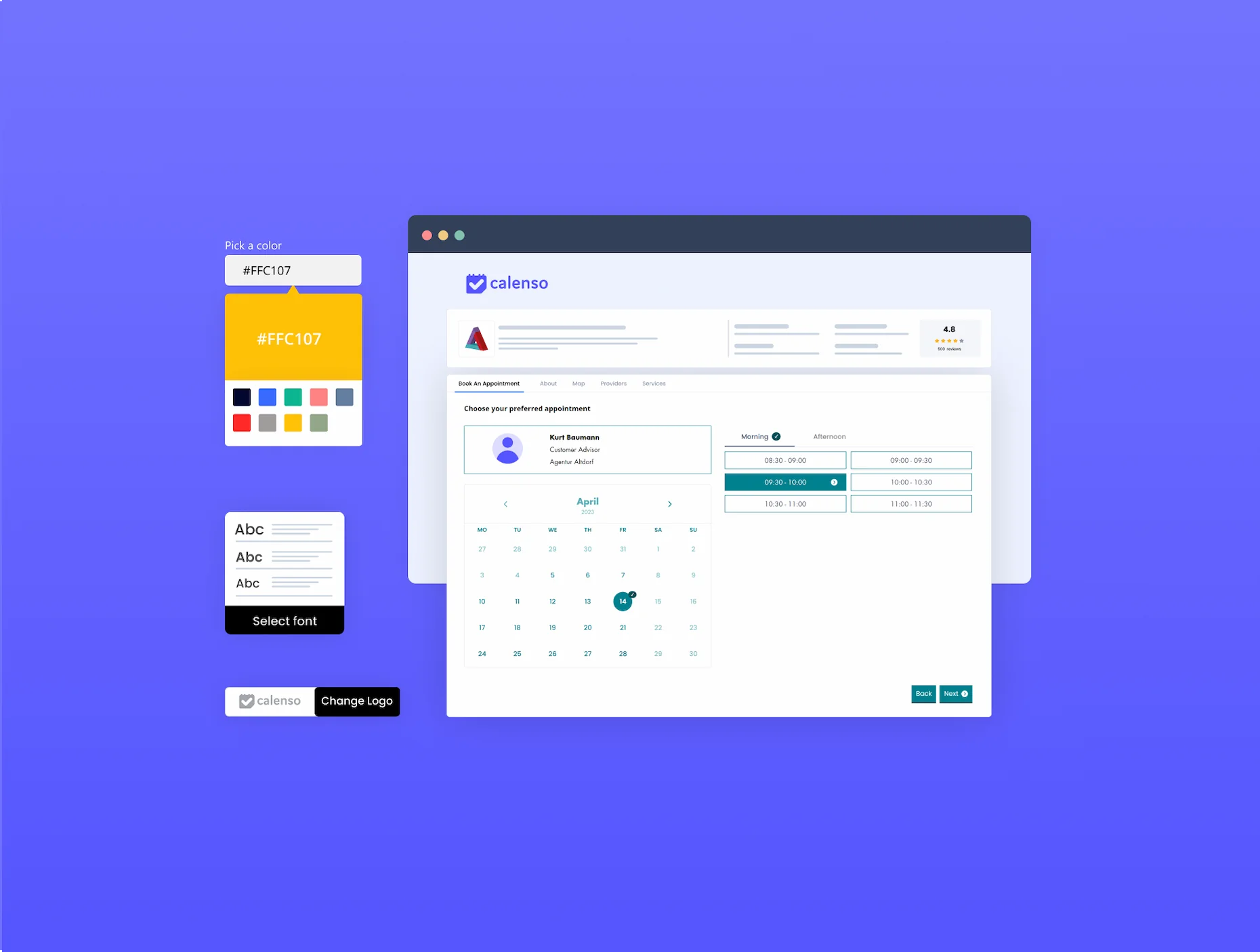
- Additional fonts for branding customizations: We have added more fonts for branding-specific customizations (including Lexend Deca).
Conclusion & outlook
Whether it’s smart widget management with virtual teams, compliance-ready audit logs for Microsoft Graph, or noticeably faster performance for large teams—the April release makes working with Calenso more flexible, secure, and convenient. Thank you for your ongoing feedback and ideas!