
Today, over 60% of all online appointment bookings are made via mobile devices—and expectations for speed, usability, and seamless CRM integration are rising rapidly. This is exactly where the Calenso March 2026 update comes in: With a completely redesigned dashboard, a new HubSpot integration, and enhanced workflow features, we’re making online appointment booking even more efficient for businesses. On top of that, there are 12 new features, numerous enhancements, and over 40 improvements that will noticeably simplify your daily booking routine.
This release shows where we're headed: more automation, deeper integrations, and a user interface that leaves nothing to be desired. Read on to find out exactly what's changed—and how you can benefit from it.
Update contents at a glance
What's New in the Calenso March 2026 Release
This release introduces 12 new features, numerous enhancements, and over 40 improvements. Here are the highlights at a glance: a completely redesigned dashboard for more intuitive use, resource planning for group appointments, the long-awaited HubSpot integration, an improved workflow editor with full-screen HTML mode, and the ability to clone partners directly from the user interface. Whether you use Calenso as appointment booking software for your SMB or as an enterprise solution for complex location structures—this update brings noticeable improvements for all use cases.
New Features in the Calenso March Release
1. New dashboard design — more modern, faster, and easier to navigate
The Calenso Dashboard has undergone a comprehensive redesign. Navigation, forms, and tables have been completely revamped and now follow a consistent, modern design system. All existing features remain fully intact—but the user experience is now significantly more intuitive. You’ll notice the difference right away, especially when managing appointments, customer data, and settings on a daily basis.
2. Resource planning for group appointments in the dashboard
You can now assign and schedule group appointments directly in the dashboard. The new scheduling view shows availability, conflicts, and capacity at a glance—ideal for teams that organize training sessions, workshops, or internal meetings.
Requirement: Enterprise subscription
3. HubSpot Integration — Seamless integration of CRM and appointment scheduling
Under Integrations > HubSpot, you’ll find a new settings page that lets you connect Calenso directly to your HubSpot CRM. The integration automatically syncs contact data and booking information—no more manual data reconciliation, no more duplicate data entry. This integration is a real productivity boost, especially for sales teams that generate leads through online appointment booking. Every booked appointment is automatically assigned to the correct contact in the CRM.
Requirements: Enterprise subscription, HubSpot account
4. ICS Settings — Full Control Over Calendar Files
Under Settings > ICS, you can now customize calendar file parameters such as METHOD (REQUEST/PUBLISH), attendee inclusion, and format. What used to require a support ticket can now be done on your own—in just a few clicks.
5. Workflow Editor: Full-screen HTML mode and placeholder examples
- The email editor in the workflow section now offers a full-screen HTML mode that gives you full control over the template design
- The workflow list has been completely redesigned and now provides a much clearer overview
- Each placeholder now displays a specific example — for example, in the case of
{{ CUSTOMER_PRENAME }}"Max" appears immediately as a preview
6. Clone partners — ideal for franchises and multi-location businesses
In Partner Management, clients can now be cloned directly through the user interface—including services, settings, roles, and billing details. This is particularly useful for franchise models or clients with multiple locations that require a uniform configuration.
Requirement: Support/admin access
7. Internal group meetings
Group appointments can now be marked as “internal.” Internal appointments do not appear in the public booking widget and can only be booked via the dashboard. Perfect for internal team training sessions, workshops, or regular meetings that should not be publicly visible.
8. Regional Varieties of English
In addition to en_US, Calenso now also supports en_GB, en_AU, and en_CA—with region-specific date and time formats. For the UK market, for example, dd/MM/yyyy is used automatically. This allows international companies to offer their customers a more localized booking experience.
9. Cross-selling in the Smart Widget
Related services are now displayed as suggestions in the booking overview in the Smart Widget. You can configure this using the existing cross-selling links in the service settings. This helps you increase revenue per booking—without any extra effort.
Requirement: Enterprise subscription (Smart Widget)
10. UTM parameters in the booking link generator
The booking link generator under Widget Configuration now supports UTM parameters (utm_source, utm_medium, utm_campaign, utm_id) directly within the user interface. No more manual URL construction—ideal for marketing teams that want to track their campaign performance accurately.
11. Clone booking options
Booking options—whether dropdown menus or radio buttons—can now be duplicated with a single click. This saves time when setting up extensive booking forms.
12. ISO date placeholders in workflows
New placeholders: DATE_ISO, ORIGINAL_DATE_ISO, EVENT_DATE_ISO and EVENT_ORIGINAL_DATE_ISO. These provide data in ISO format (e.g., 2026-04-15T14:00:00) and enable precise date comparisons in Liquid templates—for example, for conditional email content that should only be sent before or after a specific date.
Improvements & optimizations
- Language fallback: The fallback language now takes the active brand (Calenso vs. JRNI Business) into account—ensuring that the correct default texts are always loaded.
- Widget attributes: Employee attributes are now displayed one step earlier—before time selection rather than after. This significantly improves the booking experience.
- Service sorting: The order in the widget now matches the position in the master data exactly. No more unexpected sorting.
- New permission levels: With
read:own:resourcesandread:own:absencesUsers with restricted roles now see the correct dropdown menus in the dashboard—without unnecessary information. - Service packages: Now require the same permissions as individual services—more consistent and secure.
- Support Links: All help desk links now redirect to support.calenso.com.
- Registration: The scheduled onboarding call is now optional for self-service registration—fewer hurdles to getting started.
- Transaction cache: Cleared correctly upon logout and when switching clients — no more outdated data.
- Booking-related columns: Translation issues with configurable columns in the dashboard have been resolved.
Improvements
- Waitlist Upgrade During Rescheduling: When rescheduling a group appointment, the automatic waitlist upgrade for newly available spots was not triggered. Fixed — the workflow check now also applies to reschedules.
- Group appointments with Microsoft Teams: Group appointments linked to a Teams meeting could not be scheduled. Entra ID app credentials are now being used correctly when creating meetings.
- Event landing page when a slot is deleted: The landing page used to display an error when a slot was deleted. Now, a clear error message is displayed.
- Posting limits: The limit was blocking employees too early. The calculation has been corrected.
- Reminders for follow-up tasks: Customers were mistakenly receiving reminders for follow-up task blockers. These are now being filtered out correctly.
- Office 365 Batch Requests: Failed batch requests could cause the calendar to be disabled. The calendar is no longer disabled in the event of batch errors.
- External Calendar Status: Connected calendars were incorrectly displayed as "failed" even though the connection was working properly. The status logic has been corrected.
- Bryntum Calendar Time Zones: Google entries were displayed one hour late. The time zone conversion has been corrected.
- Email white-label design: The default white-label design had been broken since the last release—it has now been fully fixed.
- Password reset: The reset failed for users with very short names. The validation has been updated.
- Widget availability with date context: The availability indicator disappeared when a `date_context` parameter was set. Fixed.
- Smart Widget Back Navigation: In the single-page view, navigating back to the meeting type was not working. Navigation now works correctly in all directions.
- Absence Permissions: Dashboard calendar pages were displaying errors related to global absences. All read permissions for absences are now being accepted correctly.
- Participant list upload: For certain partners, the upload incorrectly required a login instead of anonymous access. Fixed.
- Service selection: Certain services could not be selected. The services_workers logic is now correctly incorporated into workers/filter.
Security
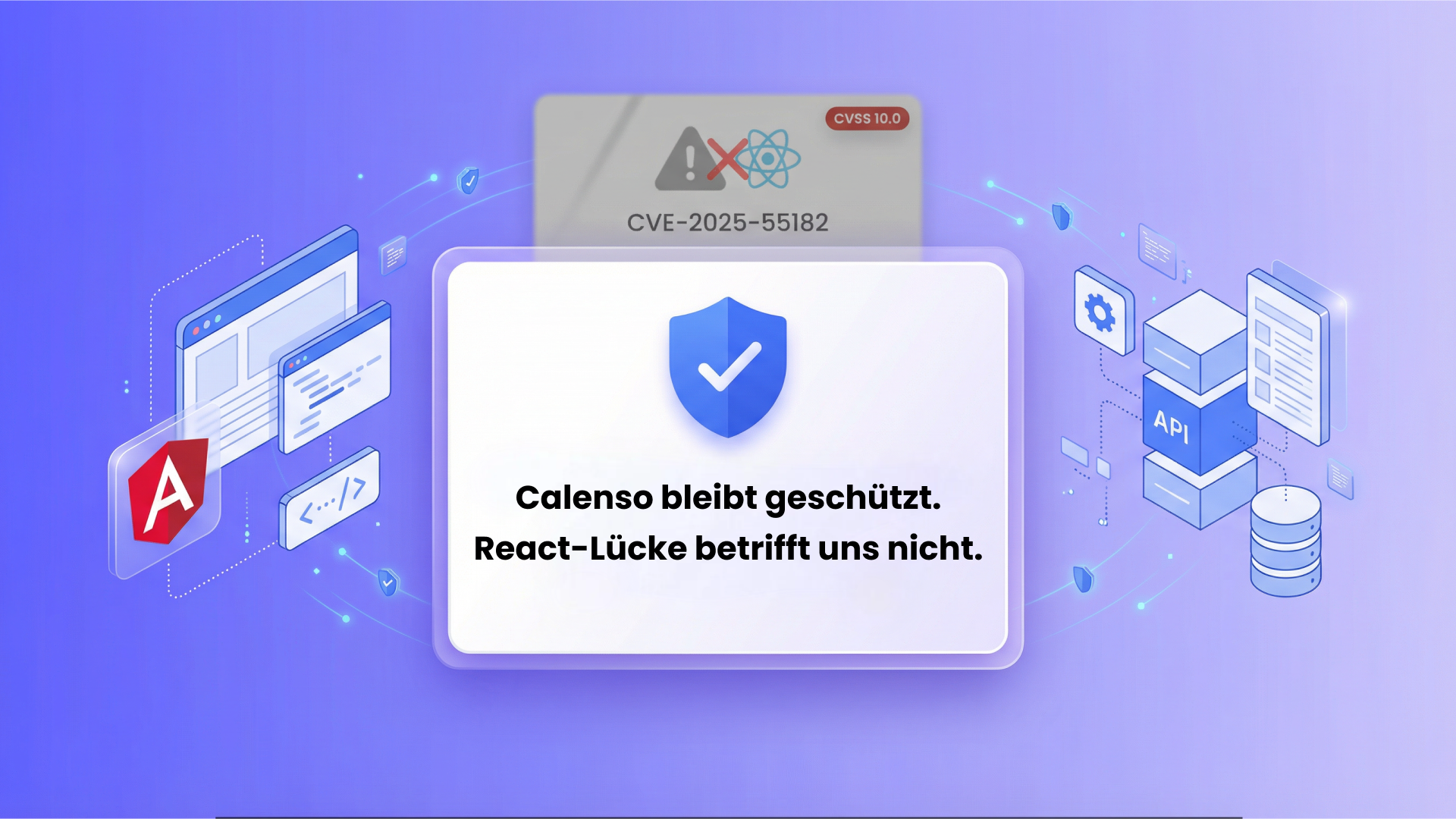
- Redis access secured: The Redis cache was accessible over the internet without authentication. Access is now fully secured—an important step for the data security of all Calenso customers.
Technical upgrades
- Node.js 22.12: All Node.js services have been migrated to the latest LTS version—for improved performance and security.
- Angular 20: The booking page, pricing, and registration are now running on Angular 20.
- Unit tests: Test coverage for all Node.js services has been significantly expanded—ensuring even more stable releases in the future.
- Multi-brand support: Finalized for all front-end projects (Dashboard, Widget, Smart Widget, Booking Page, Registration, Pricing).
- Nine.ch Infrastructure: The deployment setup for all services on the new infrastructure has been completed.
Frequently Asked Questions About the Calenso Update in March 2026
What's new in the Calenso March 2026 update?
How does the new HubSpot integration in Calenso work?
What are the benefits of the new Calenso dashboard design?
Do I need an Enterprise subscription for the new features?
How can I use the Calenso March 2026 update?
Conclusion: The Calenso March 2026 Update—A Milestone for Your Appointment Scheduling
The March release marks an important step in Calenso’s evolution as a leading appointment booking software. The new dashboard design makes daily work faster and more enjoyable. The HubSpot integration closes one of the most requested gaps in the CRM space. And the expanded workflow features give you even more control over your automated processes. Together with over 40 improvements, this update ensures a more stable and powerful Calenso across the board.
Ready to discover the new features?
In a free 15-minute discovery call, we’ll show you how Calenso can take your appointment scheduling to the next level.