
Anforderungen an die Terminbuchung: Was Unternehmen 2026 wirklich fordern
Erreichbar rund um die Uhr, sofort bei der richtigen Person, rechtssicher: Was Versicherungen, Behö...

You can place your booking widget wherever you want and make it available. A simple integration into your website or your social media profiles is easily possible. Calenso also automatically creates your own booking page with a separate link if you don't have your own website. Tip: Connect this link with your Google MyBusiness entry.
Learn moreYou can customize your booking widget with your corporate colors. This way the design will match your corporate identity and the booking widget will fit perfectly on your website.
Learn moreYour customers make an appointment according to a four-step principle. First, they select the service. In the second step, they select an employee or the "No matter with whom" function. The clear calendar with the appointment times allows the customer to simply select an appointment in the third step. Of course, based on the previous steps, only free appointments are displayed. In the last step, they enter their personal details and answer any booking questions you may have. Et voilà - the booking is complete!
Learn moreYes, there are plenty of blogs. That's why we only choose topics for our blogs that might be interesting for you. Also, you can find the latest updates and practical explanations of the new features.
Anforderungen an die Terminbuchung: Was Unternehmen 2026 wirklich fordern
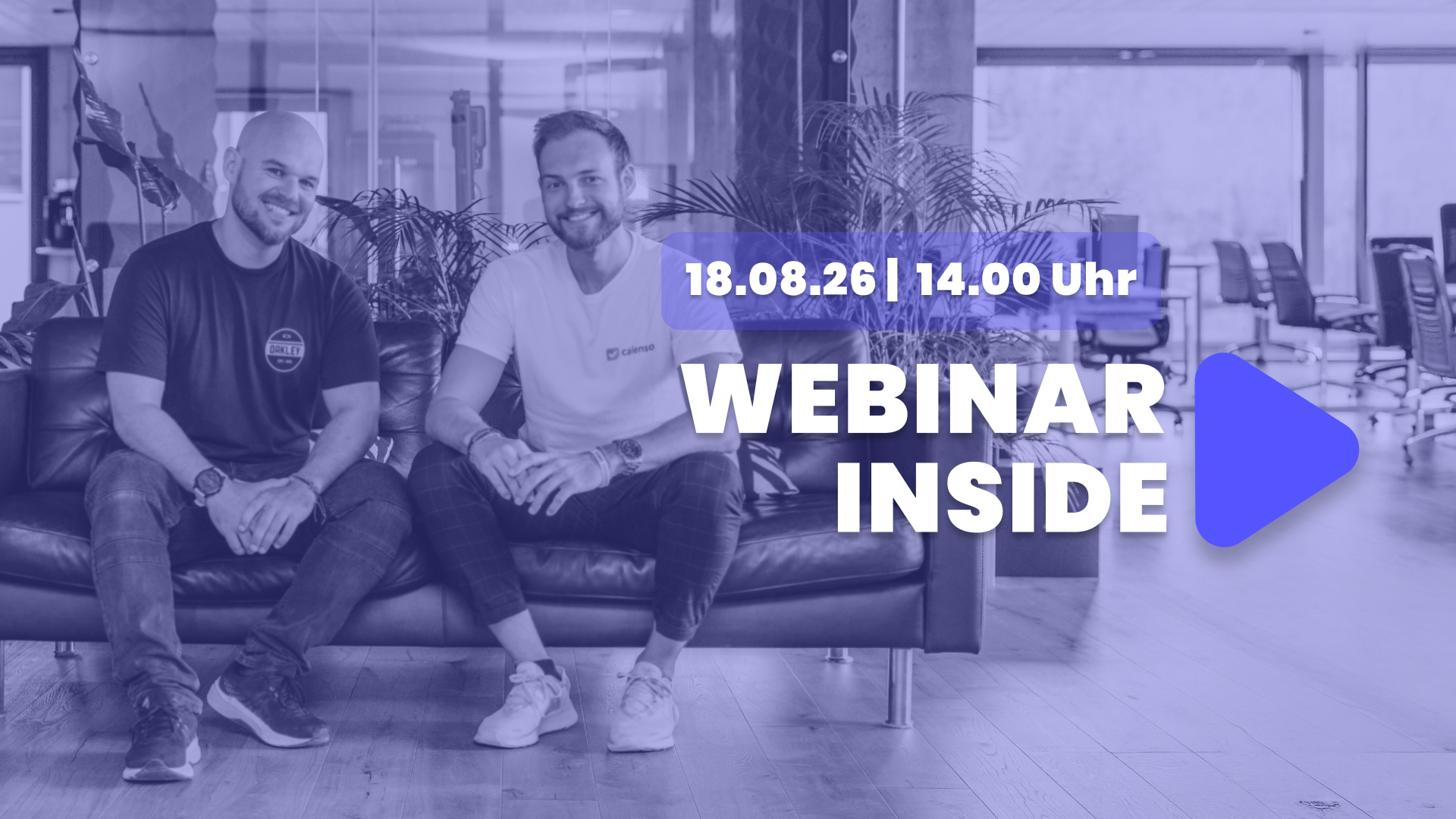
Calenso Release Juli 2026: Die grössten Feature-Highlights des Jahres — live am 18. August

Self-Service Terminbuchung: Warum Kunden nicht mehr anrufen
Calenso Release Juni 2026: Version 9.0 mit Google Meet & Round Robin V2

Online-Terminbuchung wechseln: jetzt sicher zu Calenso

Terminbuchung im Gesundheitswesen: Wie die KVBW fast 1’000 Termine digitalisierte

3 HR tools that all recruiters need
Calenso Release Mai 2026: Workflows, Rollen, Security

Online-Terminbuchung in sozialen Institutionen: Rückblick aufs erste Calenso Webinar Inside
Calenso Update April 2026: Smart Widget Management, Microsoft Compliance, and More

Online appointment scheduling at Orion Legal Protection – available in 4 languages

How Agentic AI Is Transforming Insurance Customer Service — Including a White Paper
Calenso Update March 2026: New Dashboard Design, HubSpot Integration, and Workflow Improvements

Omnichannel Appointment Scheduling for Banks: How to Provide Seamless Customer Service
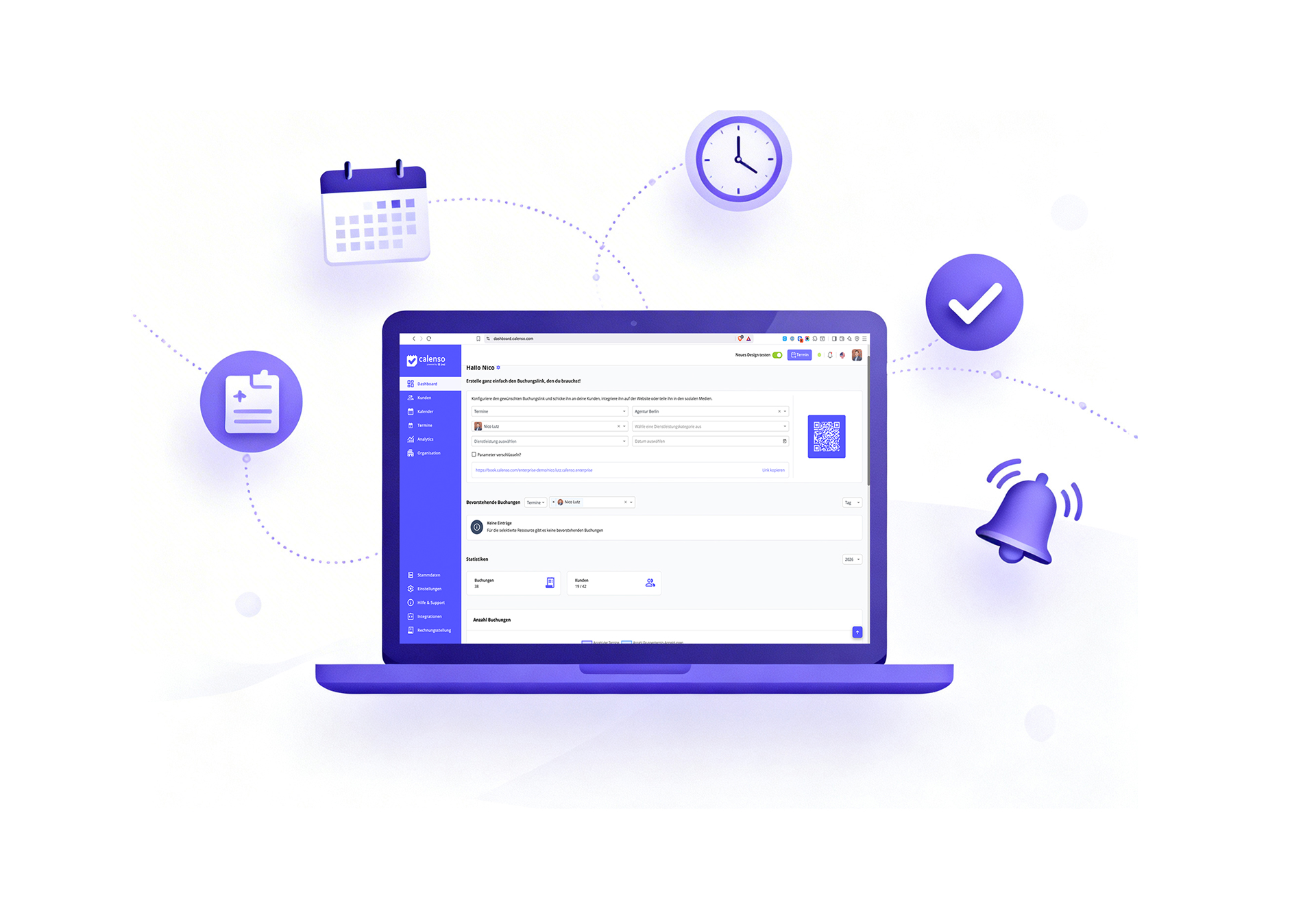
AI-driven scheduling: How companies save 5 hours per week

Reducing no-shows: 7 proven strategies for dealing with missed appointments
Calenso Update February 2026: Booking limits, analytics, and more control

Appointment booking software comparison 2026: Calendly, Calenso, Meetergo & Microsoft Bookings

Silent departure: When customers disappear without saying anything

6 steps to more online bookings: Proven strategies for your business